

Allow Lists
An allow list is a reusable access-control policy that you attach to a proxy host to restrict who can reach the protected upstream application.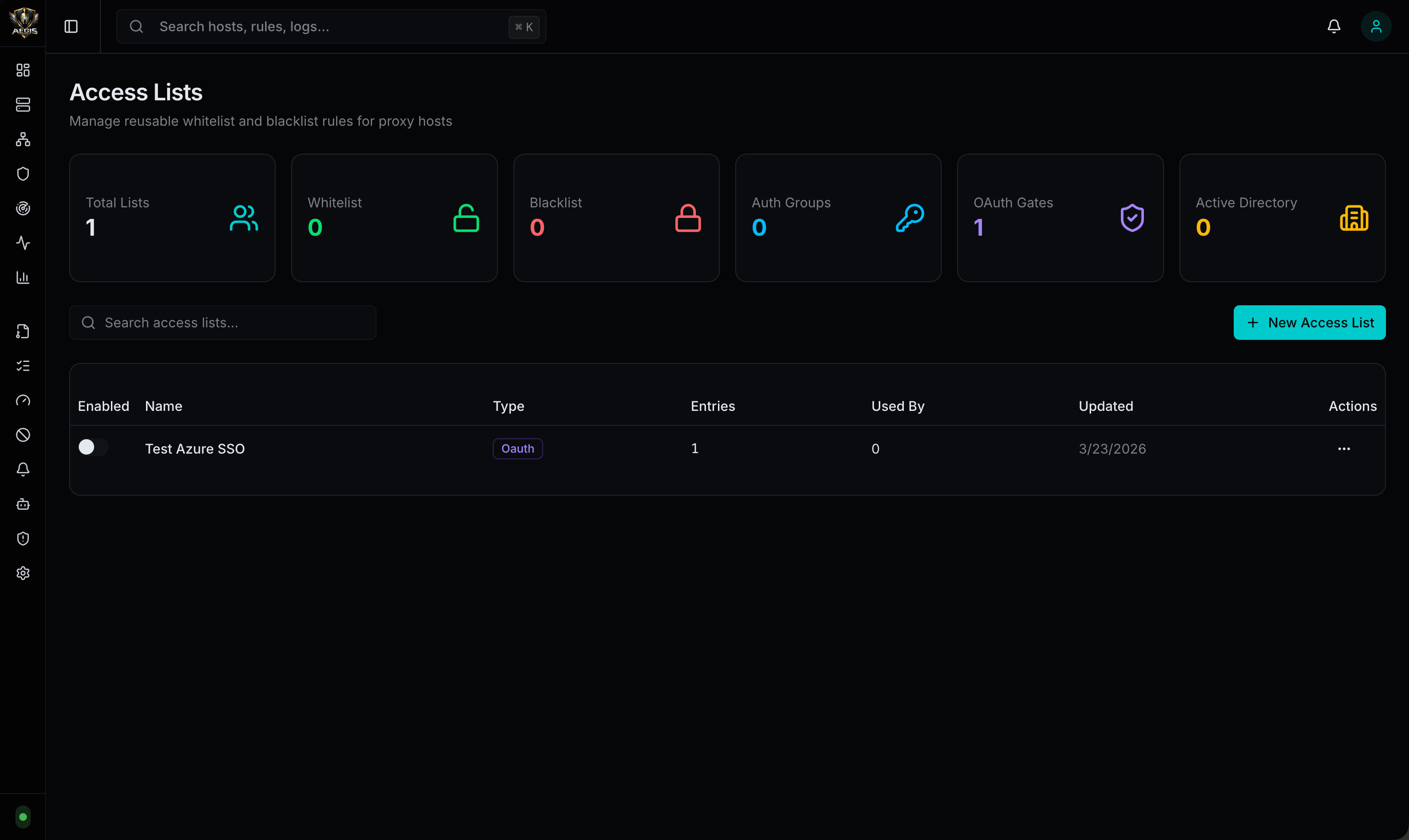
How Allow Lists Work
- You create the allow list once in the admin UI
- You attach it to a proxy host in that host’s configuration
- Aegis evaluates the allow list before proxying the request upstream
- If the client or user does not satisfy the allow list, access is denied before the upstream application is reached
Allow List Types
| Type | Description |
|---|---|
| IP / CIDR | Restrict by source IP address or CIDR range |
| Local Username / Password | Basic auth-style protection with local credentials |
| OAuth / OIDC SSO | Single sign-on via Azure AD, AWS Cognito, GitHub |
| Active Directory (LDAP) | LDAP bind authentication against AD |
IP / CIDR
Use IP-based allow lists to permit specific addresses or ranges:- Office IP ranges
- VPN egress IPs
- Internal networks
- Specific trusted addresses
Local Username / Password
Protect a host with a local auth group, similar to basic auth in Nginx.- Define one or more usernames in the allow list
- Aegis stores their passwords securely
- Visitors are prompted for username and password
- After successful authentication, an auth cookie is set so re-prompting is not immediate
OAuth / OIDC SSO
Aegis supports host-level OAuth/OIDC access lists. These run on the protected host itself, not on the admin UI. The redirect URI always points at the protected application hostname:/_aegis/oauth/callback is reserved by Aegis. A successful login sets an auth cookie on the protected host.
Azure AD / Microsoft Entra ID
App registration setup for a protected hostapp.example.com:
- Open Microsoft Entra ID -> App registrations -> New registration
- Name the app (e.g.,
Aegis - app.example.com) - Choose the supported account type
- Under Redirect URI, choose platform Web
- Set the redirect URI to
https://app.example.com/_aegis/oauth/callback - Create the app registration
- Copy the Application (client) ID
- Choose a tenant identifier (single-tenant: Directory ID; multi-tenant:
common,organizations, orconsumers) - Create a client secret under Certificates & secrets
- For user/group picker support, add Microsoft Graph application permissions:
User.Read.All,Group.Read.Alland grant admin consent
- Provider:
Azure AD (OIDC) - Client ID: the Azure Application (client) ID
- Client Secret: the client secret value
- Issuer URL:
https://login.microsoftonline.com/<tenant-id>/v2.0
- Aegis queries Microsoft Graph to populate searchable user and group pickers
- Users are stored by UPN/email
- Groups are stored by Graph group ID and matched during login
AWS Cognito
- Provider:
AWS Cognito (OIDC) - Client ID: Cognito app client ID
- Client Secret: Cognito app client secret
- Issuer URL:
https://cognito-idp.<region>.amazonaws.com/<user-pool-id>
GitHub
- Provider:
GitHub OAuth - Client ID: GitHub OAuth app client ID
- Client Secret: GitHub OAuth app client secret
- Allowed Usernames
- Allowed Emails
- Allowed Email Domains
- Allowed GitHub Organizations
Generic OIDC
Aegis also supports any OpenID Connect-compliant identity provider:- Provider:
Generic OIDC - Client ID: your application client ID
- Client Secret: your application client secret
- Issuer URL: the provider’s OIDC issuer URL (must serve
/.well-known/openid-configuration)
openid, profile, email
OAuth Pass-Through Headers
When Pass Through is enabled on an OAuth access list, Aegis injects identity headers into the proxied request so the upstream application can identify the authenticated user without its own OAuth flow:| Header | Value |
|---|---|
X-Aegis-OAuth-User | Authenticated username or subject |
X-Aegis-OAuth-Email | User email address |
X-Aegis-OAuth-Groups | Group memberships (if available) |
Active Directory (LDAP)
Host-level Active Directory access lists using LDAP bind and directory search.Configuration
| Setting | Description |
|---|---|
| Domain | AD DNS domain (e.g., corp.example.com) |
| Domain Controller | Hostname or IP with port (e.g., dc01.corp.example.com:389) |
| Bind Username | Service account with directory read access |
| Bind Password | Service account password |
| Allowed Users | Permitted user list |
| Allowed Groups | Permitted group list |
| Pass Through | Forward authenticated identity headers upstream (optional) |
Runtime Behavior
- End user is prompted for username and password via HTTP Basic Auth
- Aegis binds to LDAP with the service account
- Finds the user object and resolves the UPN
- Attempts LDAP authentication with the end user’s supplied password
- Access is allowed only if the user bind succeeds and the user is in the allowed list
AD Pass-Through Headers
When Pass Through is enabled on an AD access list, Aegis injects identity headers into the proxied request:| Header | Value |
|---|---|
X-Aegis-AD-Username | sAMAccountName |
X-Aegis-AD-Display-Name | Display name from AD |
X-Aegis-AD-UPN | User Principal Name |
X-Aegis-AD-Email | Email address |
X-Aegis-AD-DN | Distinguished Name |
X-Aegis-AD-Groups | Group memberships |
Connection Testing and Directory Search
Aegis provides built-in tools for verifying AD connectivity and browsing directory objects:- Test Connection — validates the LDAP bind and returns the base DN if successful
- Search Users — queries AD for user objects matching a search string; populates a searchable picker in the access list editor
- Search Groups — queries AD for group objects matching a search string
| Method | Path | Description |
|---|---|---|
POST | /api/v1/access-lists/ad/test | Test LDAP connection (returns base DN) |
POST | /api/v1/access-lists/ad/search | Search AD users or groups |
POST | /api/v1/access-lists/azure-directory/search | Search Azure AD users or groups via Microsoft Graph |
Notes
- Plain LDAP: port
389 - LDAPS: port
636 - The bind account needs directory read access only; domain admin is not required