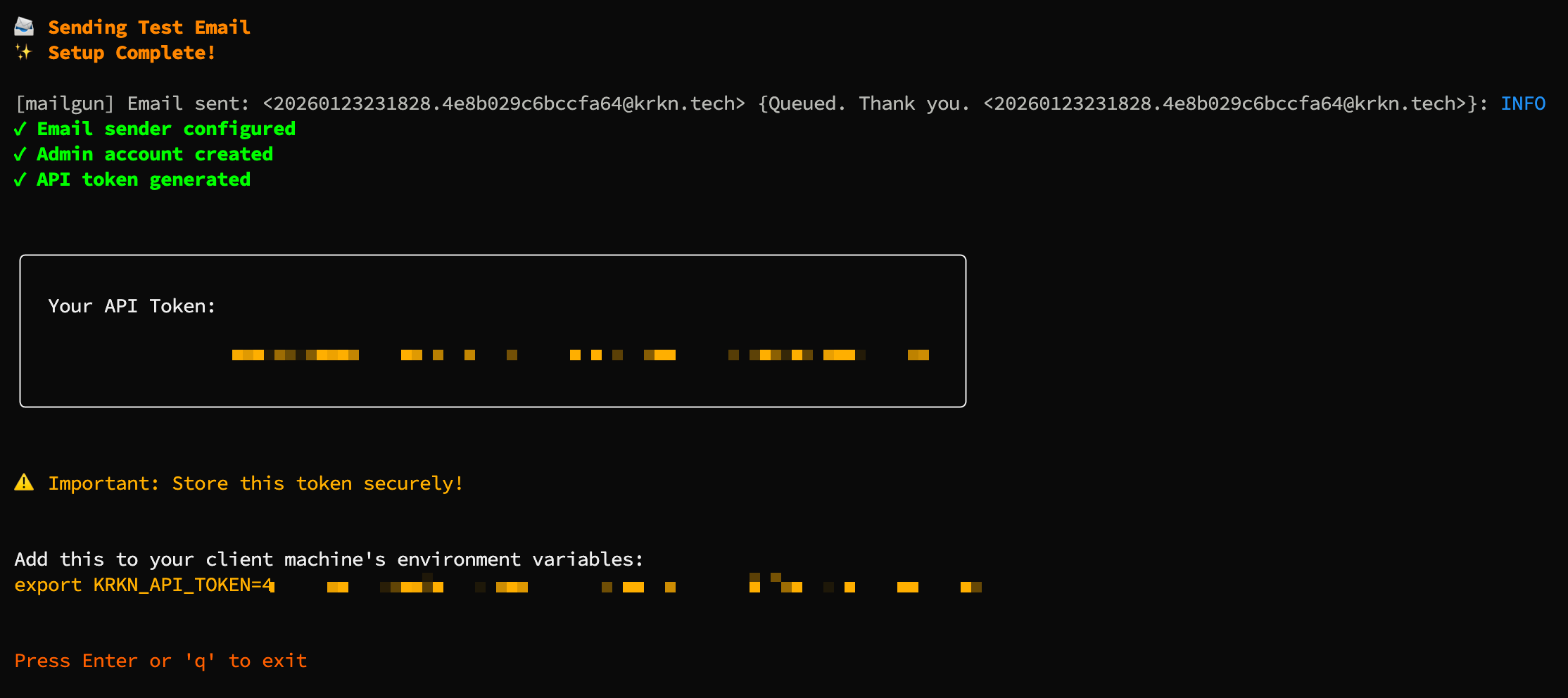
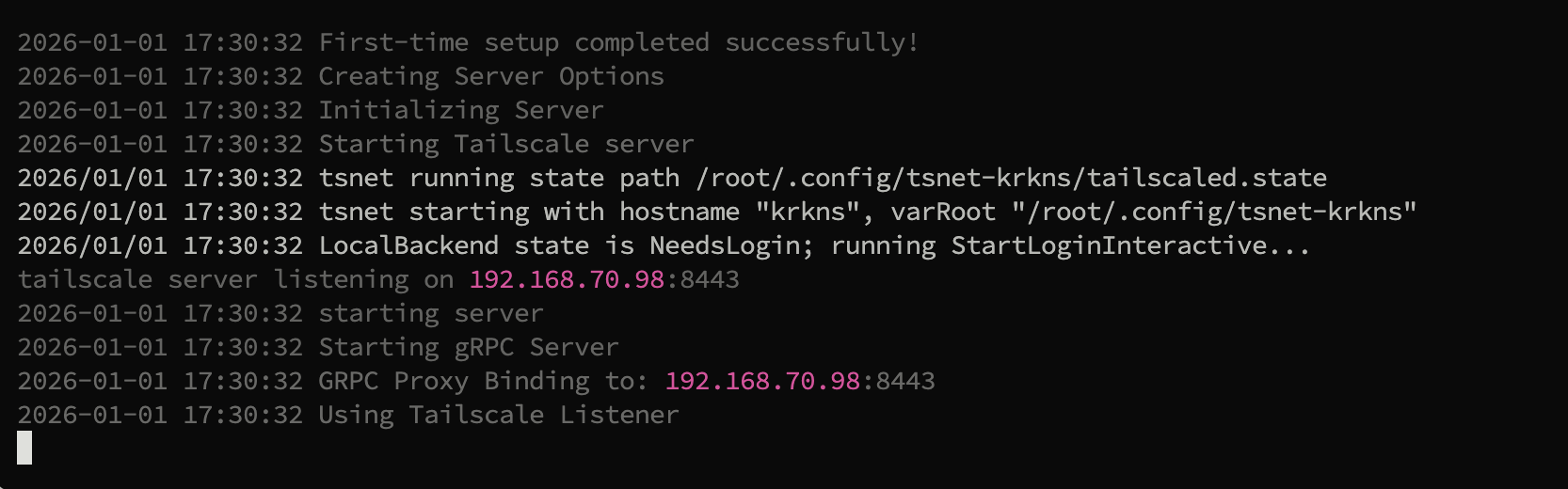
Aliasing and configuration setup
To start, use the krkns install command to create global aliases, enumerate environment variables and initialize the directories for the configurations.
service install command. If the environment variables for KRKN_DATA or TS_AUTHKEY are set, thjis will add them to the service file defined. Otherwise you will need to define them after.
config get and config set commands before starting the service. If you chose to run as a service you will first need to perform first time setup using the krkns serve command before enabling the service systemctl --user enable --now krkn-server.service)
Upon launching the Krkn Se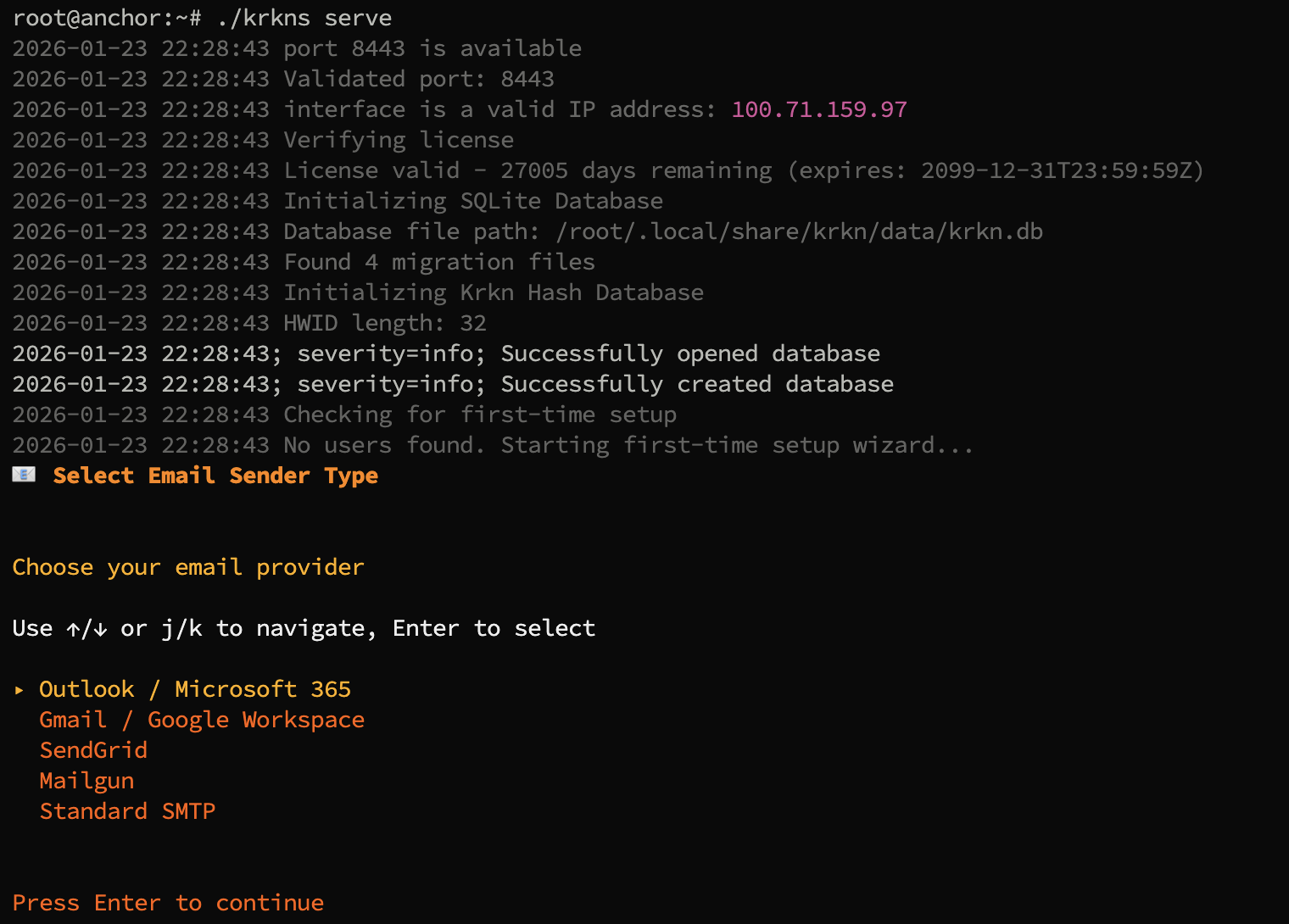
Specifying a Sending Email
In order to begin a new Krkn server, a sending email must be provided. Currently only the following SMTP Senders are implemented:- Outlook
- The app password can be generated at the Microsoft Security Info page.
- Google
- The app password can be generated at the App Passwords page.
- Mailgun
- Sengrid
- Standard SMTP
- TLS
- StartTLS
- Add new users to the Krkn Server.
- Reset user tokens
Admin User
After selecting a sending email, the admin user must be created. To do so, we first supply a username followed by an email address. Once the admin user information has been populated, a token email will be sent to the admin user from the sending email.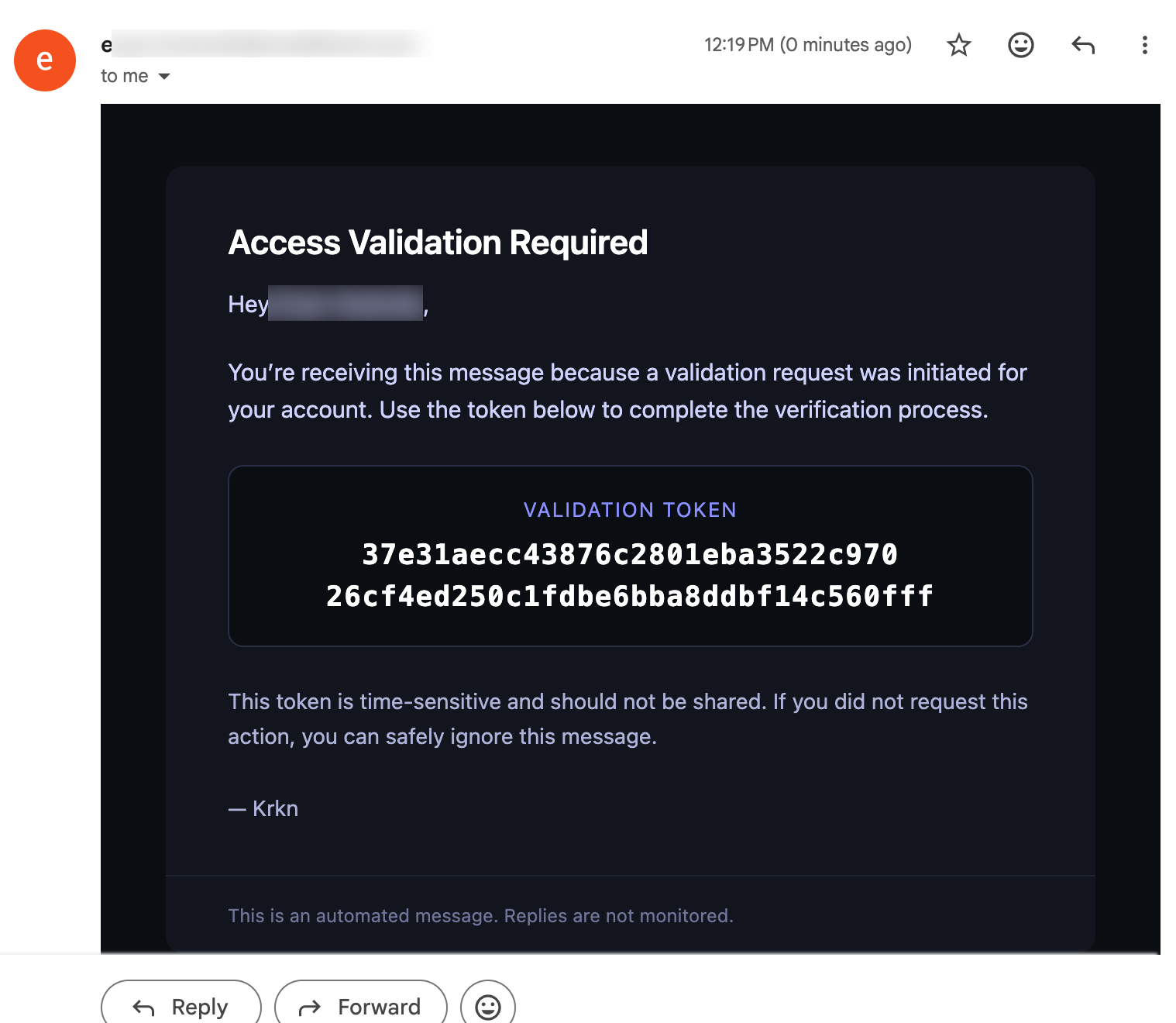
Confirming the Token
Once the token is received, the user can then provide it to the Krkn Server to verify receipt and initialize the server.