

Licensing
The Krkn Server requires alicense.json file in order to function. This file must be placed in the ~/.config/krkn folder. This file is signed and if manipulated the Krkn server will not operate.

Environment Variables
The Krkn Server supports an optional environment variable for thedata folder. The data folder contains the hash database and, depending on use, this can become large. It is possible to select a location for this by setting the KRKN_DATA environment variable to your preferred location. This must remain set so it is recommended to add it to your profile.
Config
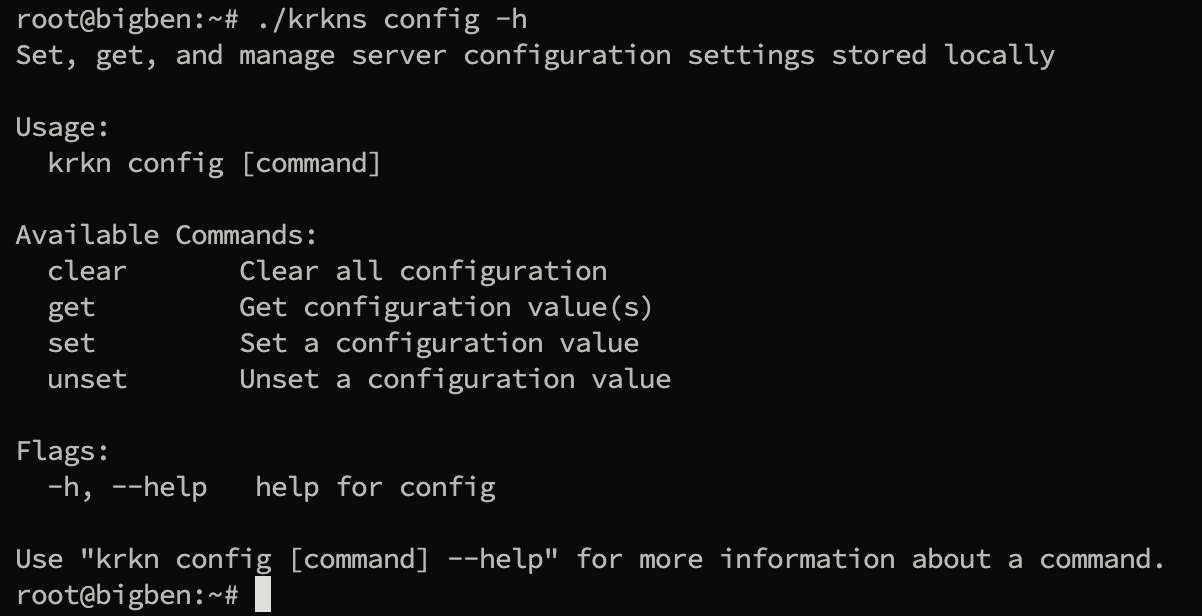
Theconfig subcommand can be used to persist settings across executions.
- Interface: The active interface to listen on (Tailscale defaults to port only) (string)
- Port: The port to serve on (int)
- Max Runtime: The maximum duration a job is allowed to run for in hours (int)
- Optimized Kernels: Utilize optimized kernels across attacks (bool)
- Workload Profile: The amount of resources allocated to a job [1-4 inclusive] (int)
- Tailscale: Use the Tailscale Tailnet (bool)
- QUIC: Use HTTP/3 (QUIC) for communications (bool)
- Insecure: Do not require transport credentials (bool)
- Debug: Verbose output (bool)
- Hostname: The Tailscale Hostname to use (defaults to system Hostname if not set)
Get
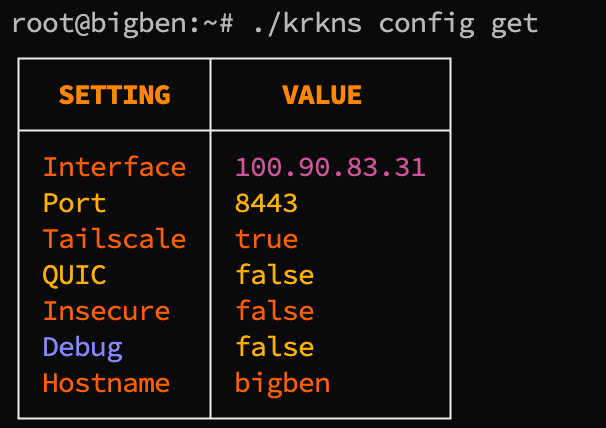
Theget subcommand can be used to query the current configurations.
Set
Theset subcommand can be used to alter a configuration value.

Unset
Theunset subcommand can be used to clear a single configuration value.

Clear
Theclear subcommand can be used to clear all settings.
Serve
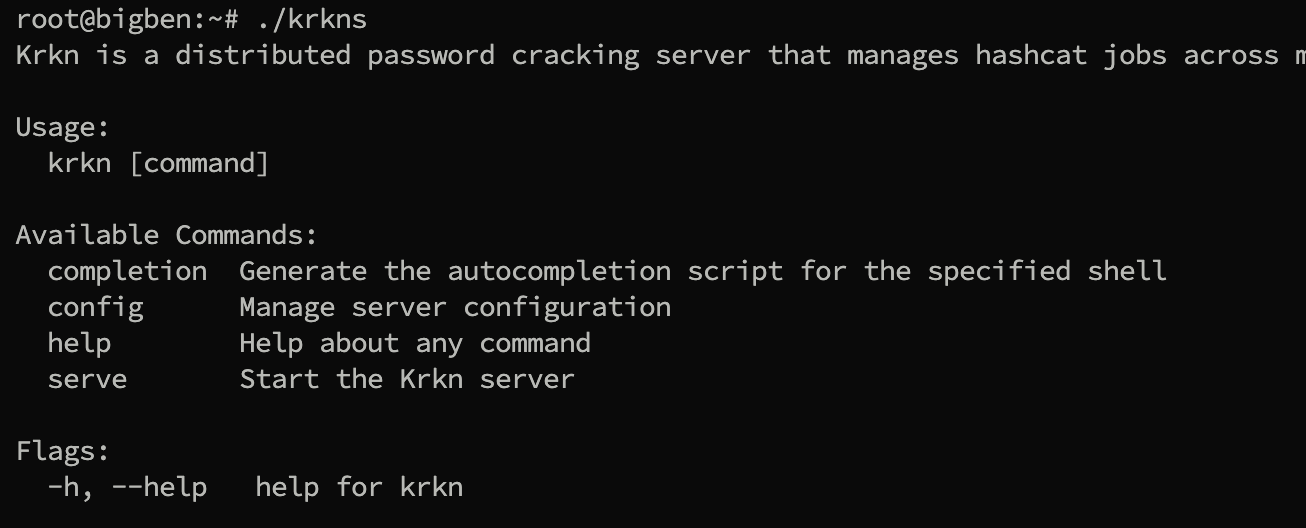
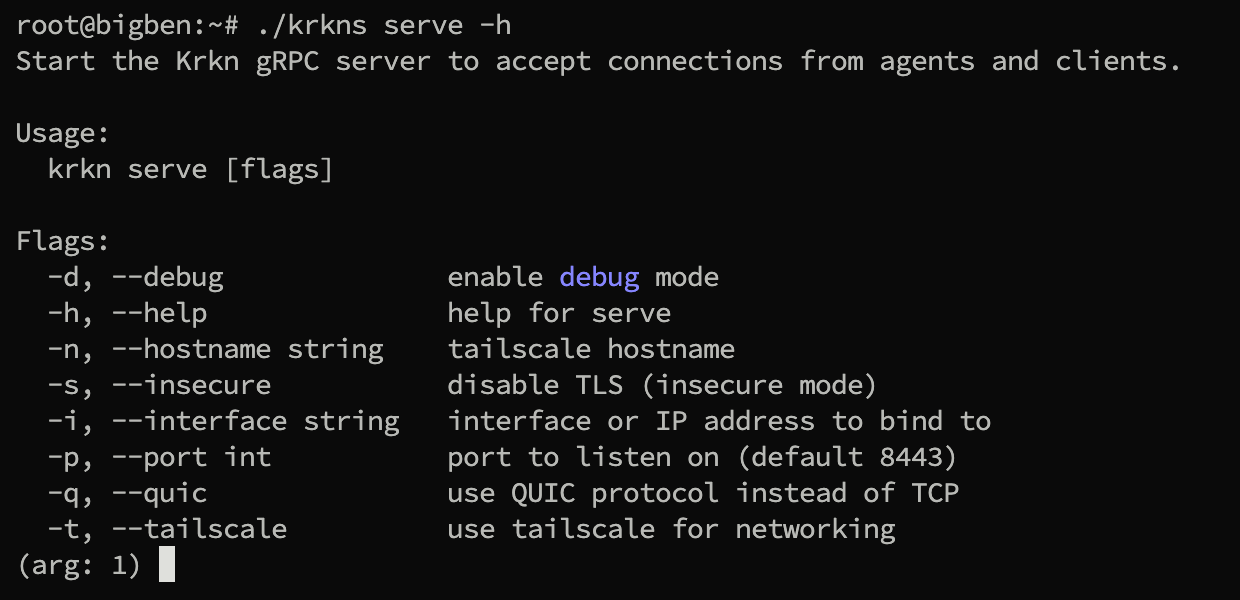
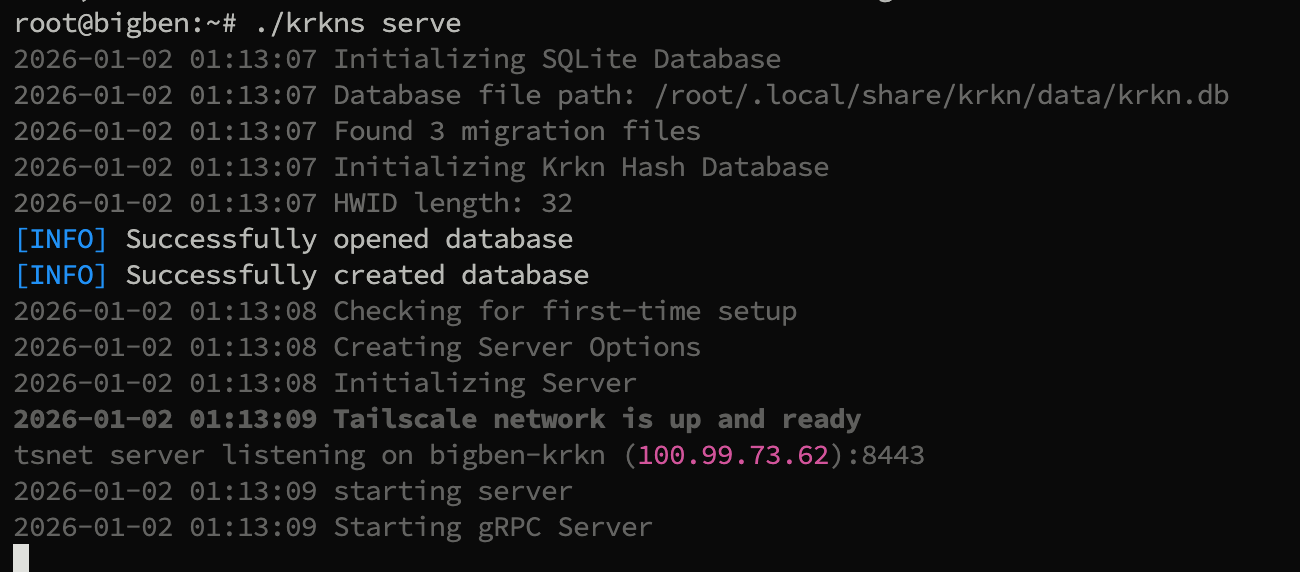
Theserve subcommand can be used to start the Krkn Server. If no flags are set, the cache will be used to retrieve settings.
Tailscale
TS Net
Because this is using the TSNet it will need to be configured with its own address on tailscale. When you start the server you will be prompted to either supply an environment variable or click a link to approve the new node. An admin must approve this link before it can serve on Tailscale.
Hostname
The hostname that will be registered on Tailscale will be either what is set for hostname in the configs + -krkn or the hosts default <hostname>-krkn. This is to make it easily identifiable.Ready State
When the server is ready and listening on the TSNet you will not see it in ss or ps/netstat commands. You will see a notification indicating the AuthLoop state is:Running; done
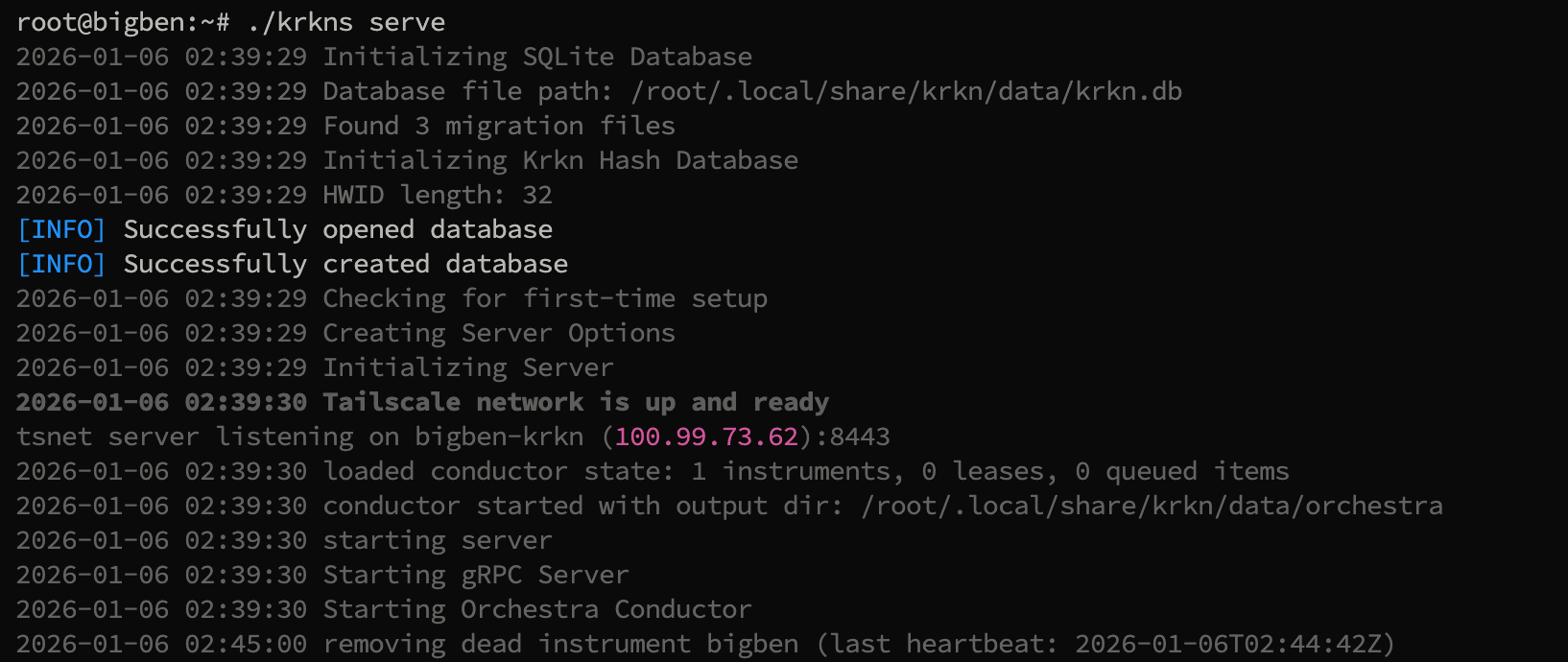
Dead Instrument Removal
GPU-Aware Scheduling
When more than one Tentacle worker is polling for work at the same time, the krkns conductor does not simply hand out batches in FIFO order. It looks at each worker’s published GPU capability score (see Tentacle → GPU Capability Scoring) and matches it against the kind of hash each queued batch is targeting:- Slow hashes (bcrypt, scrypt, DCC2, Argon2, …) → prefer the highest-scoring host
- Fast hashes (NTLM, MD5, SHA1, …) → prefer the lowest-scoring host
hashkat.Mode.IsFastHash() against the batch’s hash type, so the routing is fully data-driven from the existing Hashkat mode tables — no separate config file to maintain.
Routing Rules
Selection happens every time a worker polls the conductor for new work. The rules are intentionally a soft preference, never a hard lock:| Polling worker | Queue contents | Strong peer state | Result |
|---|---|---|---|
| weak | slow only | n/a | weak takes the slow batch (no other choice) |
| weak | fast only | n/a | weak takes the fast batch (no other choice) |
| weak | slow + fast | strong peer idle | weak takes fast, slow waits for the strong peer’s next poll |
| weak | slow + fast | strong peer busy | weak takes the slow batch — don’t park work for someone who can’t grab it |
| weak | slow + fast | no strong peer registered | weak takes the slow batch |
| strong | anything | n/a | strong takes a slow batch first if any exist, else a fast one |
| any | unclassifiable meta | n/a | falls back to FIFO |
| any | empty | n/a | nothing assigned this poll |
“Strong peer exists” only counts peers that have spare capacity right now (
ActiveLeases < Capacity). A strong-but-busy worker does NOT cause the conductor to hold slow work back, otherwise the slow batch would sit in the queue waiting for someone who physically can’t take it on their next poll.Single-Worker Behavior
When only one Tentacle worker is registered the score system has nothing to compare against, so every batch goes to that worker in FIFO order. The scoring layer is invisible until you scale out to two or more workers with meaningfully different GPUs.Live Job Status
The krkns conductor maintains an in-memory cache of the most recent hashcat status snapshot for every running batch. Snapshots arrive over the OrchestraReportUpdate RPC — every Tentacle worker samples its kcat.Hashcat.GetStatus() every 5 seconds and forwards the result.
Cached fields per batch:
- Session, time started, time estimated (absolute + relative)
- Progress (
X/Y (Z%)) and recovered (X/Y (Z%) Digests, X/Y (Z%) Salts) - Numeric recovered count
- Total hashes/sec
- Reporting instrument ID and snapshot timestamp
batch_id (the orchestra work_id minus the batch- prefix, which matches the jobs.batch_id column in the database) and is purged the moment a batch completes or fails — successful or otherwise — so it never grows beyond what is currently running.
Live fields are merged into the response of every kcat.GetJob and kcat.ListJobs call, which means clients see live progress without making extra round-trips. The krknc CLI surfaces these in krknc job get and krknc job list. See krknc → Jobs for the table layout.
Live status is not persisted to the SQLite database. Status snapshots arrive every 5 seconds while a job is running and writing them to disk would dominate I/O for no benefit — the historical record on disk only captures what is needed to resume work after a server restart, while the in-memory cache covers the realtime UI.